 NuVa
Your music folders, played as they are.
NuVa is a small, free music player for the Mac. It plays FLAC through Apple's own audio engine, sends it to your AirPlay speakers, and browses your folders and your Jellyfin server exactly as you named them.
why
Made for music kept in folders
You spent years naming your folders and files just right. Most players throw that away and rebuild your library from tags, so remixes, covers and live sets end up scattered across albums you've never heard of. NuVa doesn't.
Your folders, untouched
A folder is an album, a file is a track. No import, no tag scanning, no library rebuilt behind your back. Natural sort order, so track 2 comes before track 10.
FLAC on a Mac, natively
Apple's Music app won't open FLAC. NuVa plays FLAC, ALAC, WAV, AIFF, MP3 and AAC through AVFoundation, the engine behind QuickTime. No bundled codecs, no surprises over Bluetooth.
AirPlay 2 to your hi-fi
Send the sound to a WiiM streamer, a HomePod, an Apple TV or any AirPlay 2 speaker: click where the display says the sound is going.
Jellyfin, by folder
Sign in to your Jellyfin server and browse it by its real folders, not its tags. NuVa streams the original file, so a FLAC stays a FLAC.
A NAS, a disk or a CD
Folders on your Mac, an external disk or a NAS over SMB. Put in an audio CD and NuVa names the album and its tracks from MusicBrainz.
Keyboard first
Media keys, Control Center, AirPods and a shortcut for everything. Close the window and the music goes on in a mini player in the menu bar.
ambient mode
A hi-fi display for the room
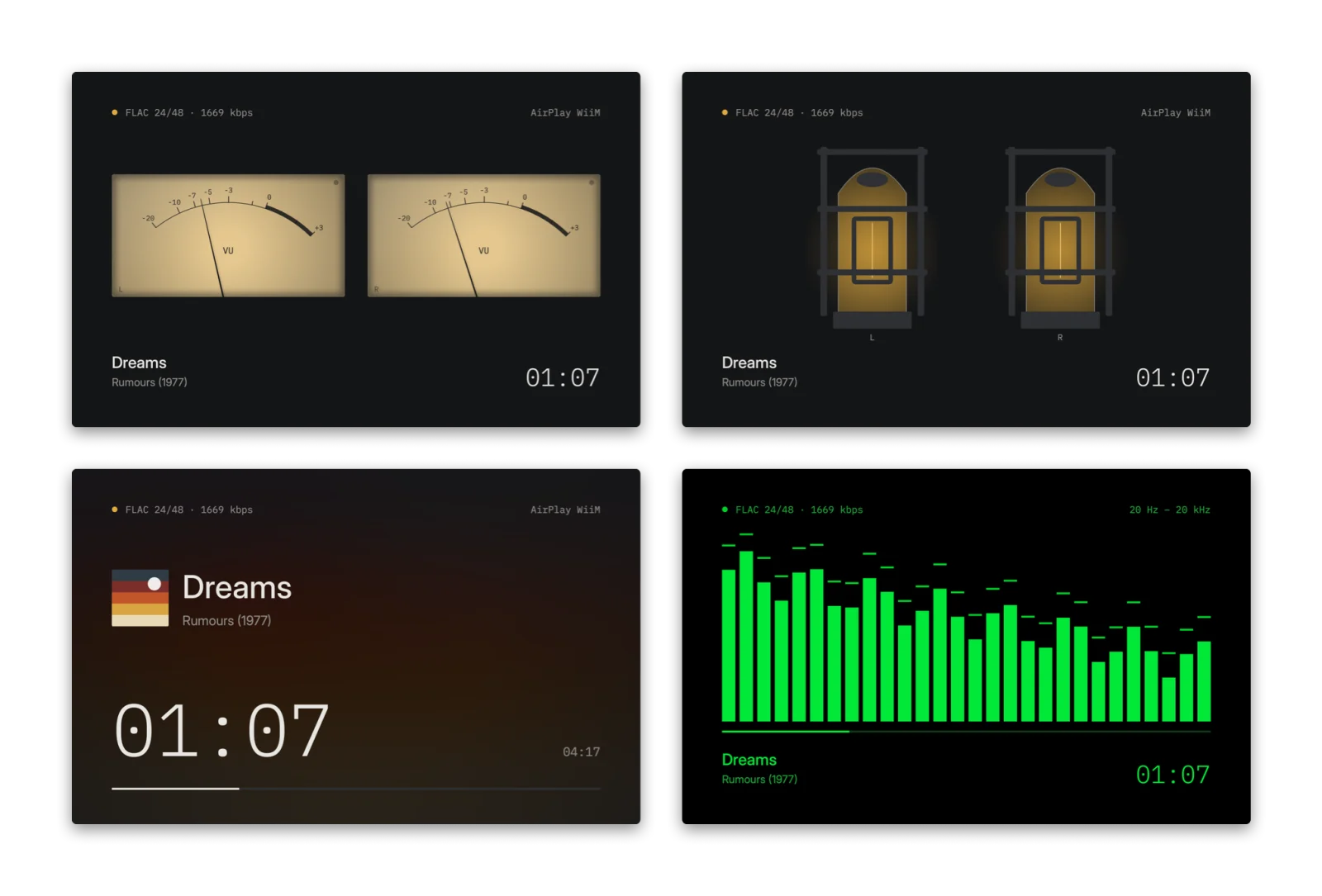
Press ⌘4 and the whole screen becomes NuVa's display, to leave the music playing as part of the room. Drawn at your screen's own rate, up to 120 Hz, and in time with what you hear, AirPlay included.
- Backlit VU meters whose needles move like real ones
- Valves whose filaments glow with each channel
- A 28-band spectrum, level meters and a clock
- The track on a glow made from the album cover
- OLED protection, on by default
design
Feels like hardware
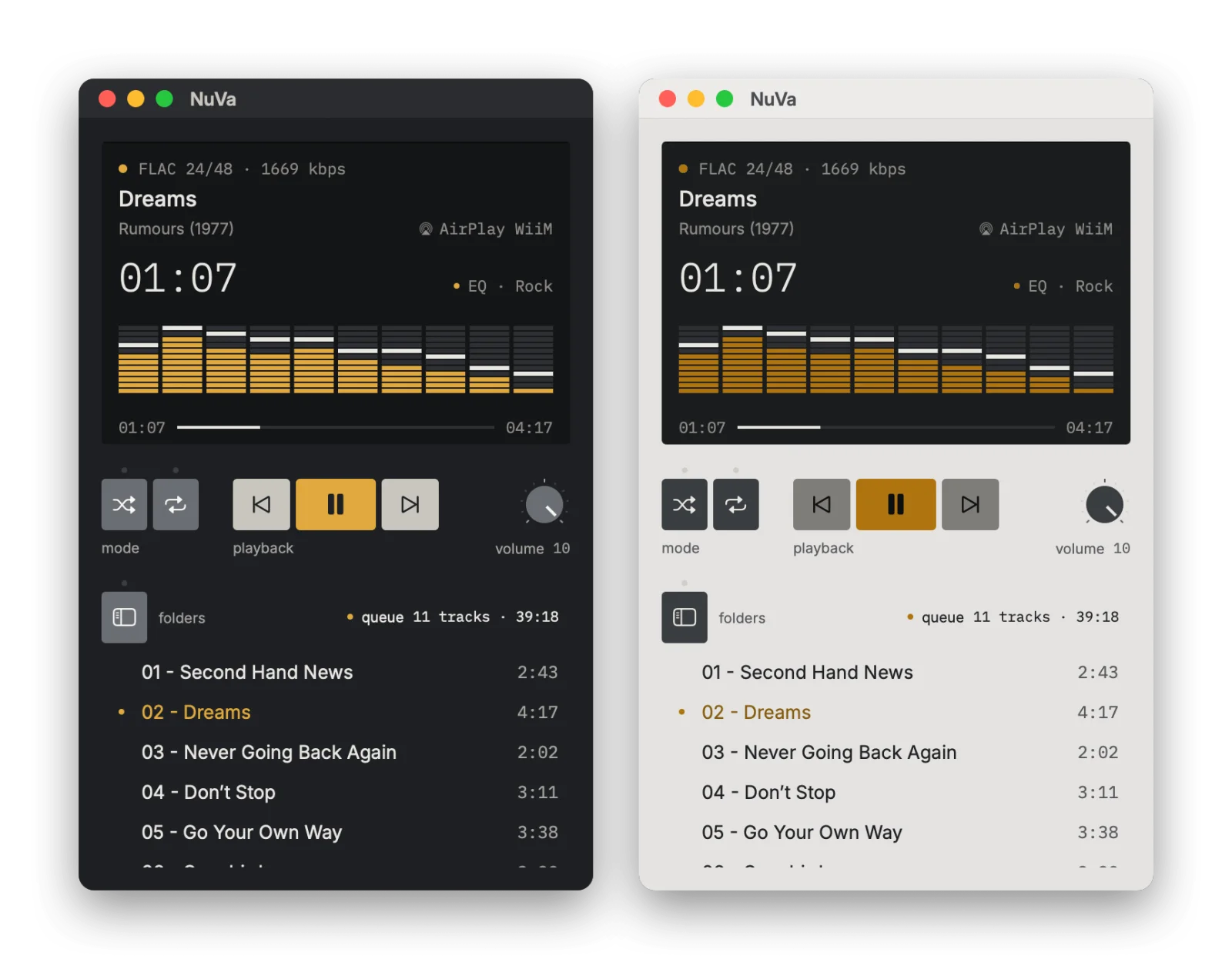
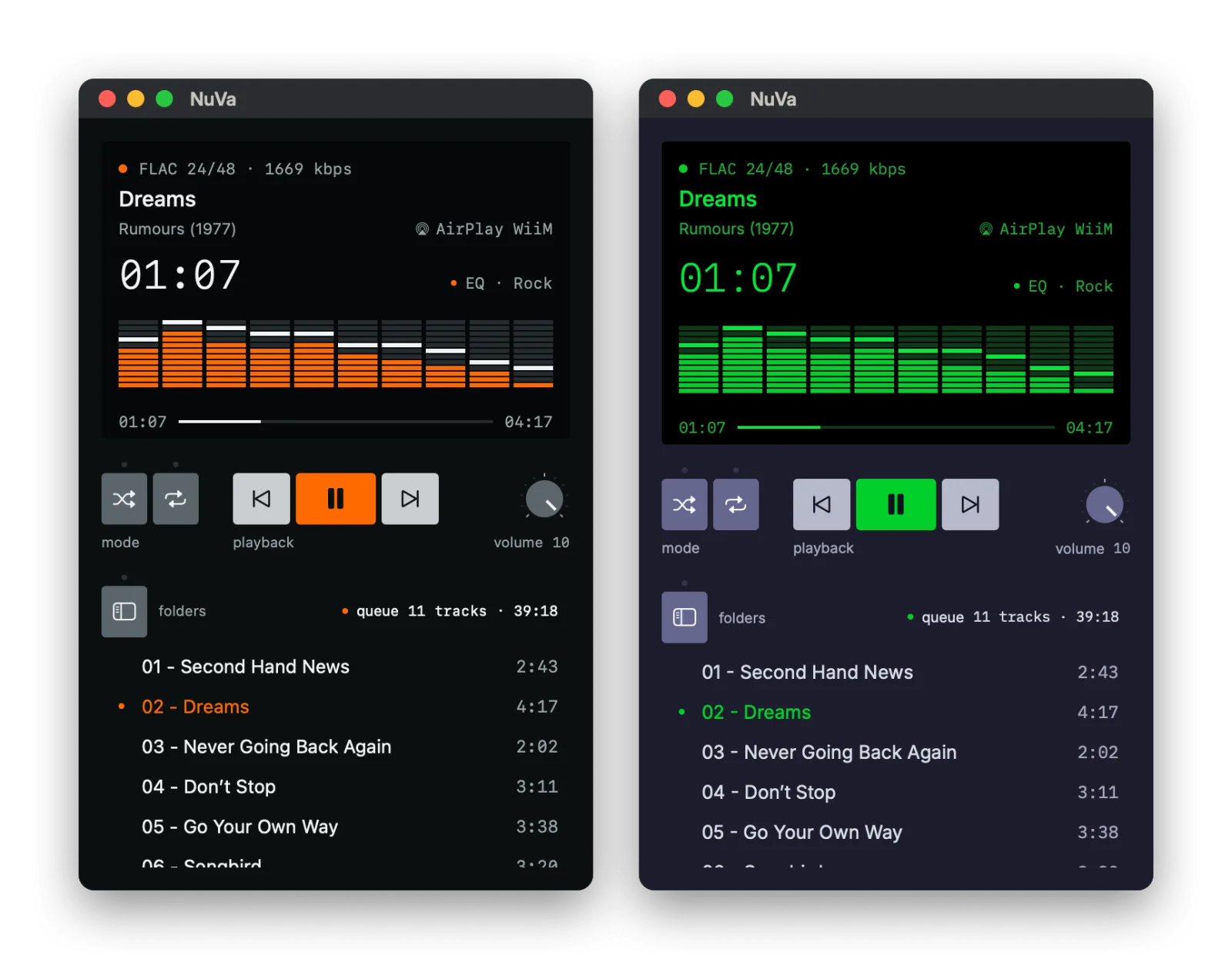
One flat panel, keys that say what they do by their colour, small amber lights for what's on, and a volume knob, after Dieter Rams and classic Braun hi-fi. The display is always dark, like an amplifier's.
questions
Questions and answers
How do I play FLAC files on a Mac?
Apple's Music app doesn't open FLAC. Install NuVa, add the folder that holds your music and double-click an album. NuVa plays FLAC, hi-res 24-bit files included, through Apple's own audio engine, with no conversion.
Is NuVa a Jellyfin client for Mac?
Yes. Sign in to your Jellyfin server with your own account and NuVa browses it by the server's real folders, not by Jellyfin's tags. It streams the original files, so a FLAC stays a FLAC. The password is kept in the macOS Keychain.
Can NuVa play to a WiiM or another AirPlay speaker?
Yes. NuVa supports AirPlay 2: click the output name on its display and choose a WiiM streamer, a HomePod, an Apple TV or any AirPlay speaker.
Does NuVa read tags or reorganise my library?
No. A folder is an album and a file is a track. NuVa shows folder and file names exactly as they are and sorts tracks naturally by file name, so track 2 comes before track 10.
Can I play music from a NAS?
Yes. Connect to the share in Finder (SMB) and add the folder in NuVa; it comes back by itself when the share is mounted again. You can also use a Jellyfin server on the NAS. Plex and UPnP/DLNA servers aren't supported yet.
Is NuVa free?
Yes. NuVa is free and open source under the MIT license, with no account, no ads and no analytics.
Why does macOS say it can't check NuVa?
NuVa isn't signed with a paid Apple developer certificate. After dragging it to Applications and opening it once, go to System Settings › Privacy & Security and click Open Anyway next to the NuVa message. You only do this once.
Which Macs does NuVa run on?
Any Mac with macOS 14 Sonoma or later, with Apple silicon or Intel.
open source
Built in the open
NuVa's code is on GitHub under the MIT license, in Swift and SwiftUI with no dependencies. Report a bug or suggest an idea in the issues, or send a pull request. To build it you need Xcode 16 and XcodeGen.
brew install xcodegen
xcodegen generate
open NuVa.xcodeprojfeedback
Send feedback
What works, what doesn't, what you'd like next. Every message is read by a person.